Work through these three in order, because they cover the large majority of "won't connect" cases. First, confirm the
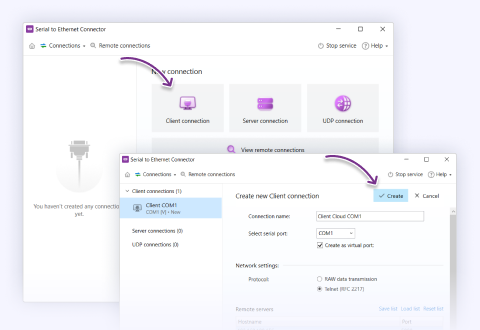
IP address of the remote host is set correctly on the client connection. Second, make sure the
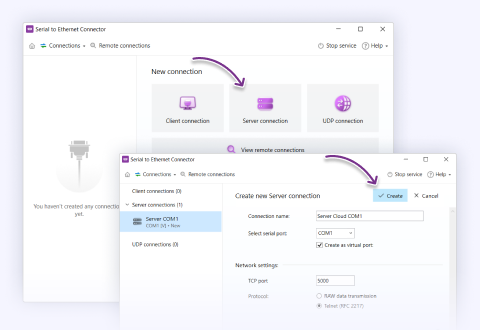
TCP port you chose isn't being blocked by a firewall — on the server machine, on the client, or anywhere on the network path between them. Third, confirm that
both local COM ports are open — the real or virtual port on each end has to be available and not held exclusively by another application.
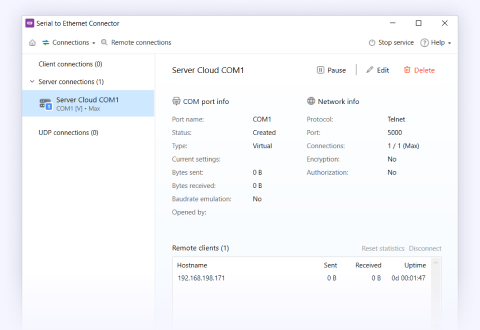
If all three check out and it still won't connect, the usual next culprits are a security group / NAT rule on a cloud or cross-site link, or a port already in use. The connection status in the SEC interface will tell you which side is failing to come up, which is the fastest way to narrow it down.
Answered by Bohdan Miniv · QA Engineering





What customers say