Serial over Ethernet
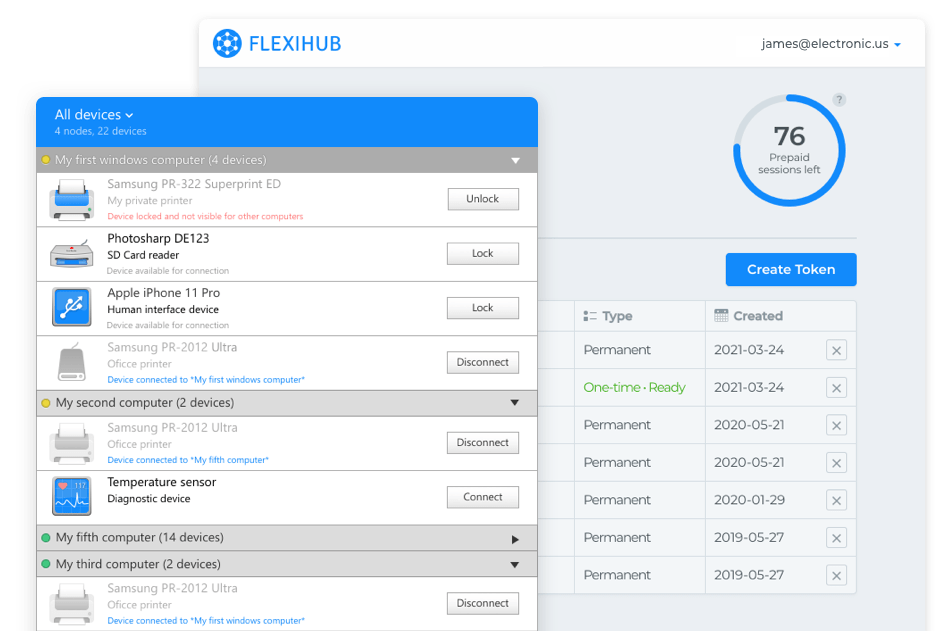
 FlexiHub
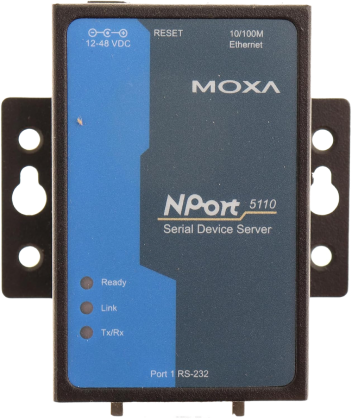
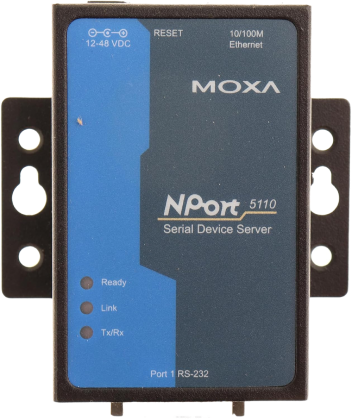 Moxa NPort
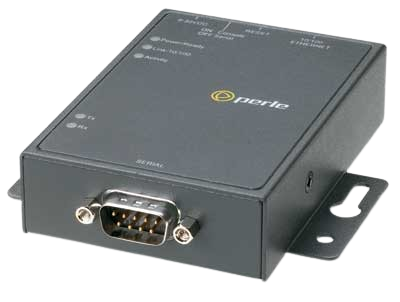
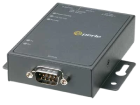 The IOLAN Device Server
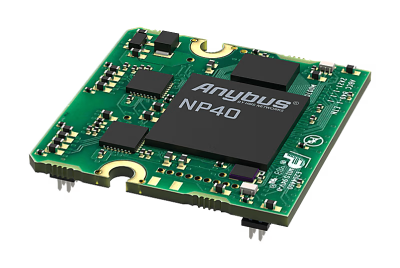 Anybus by HMS Networks
Application
How we tested this:
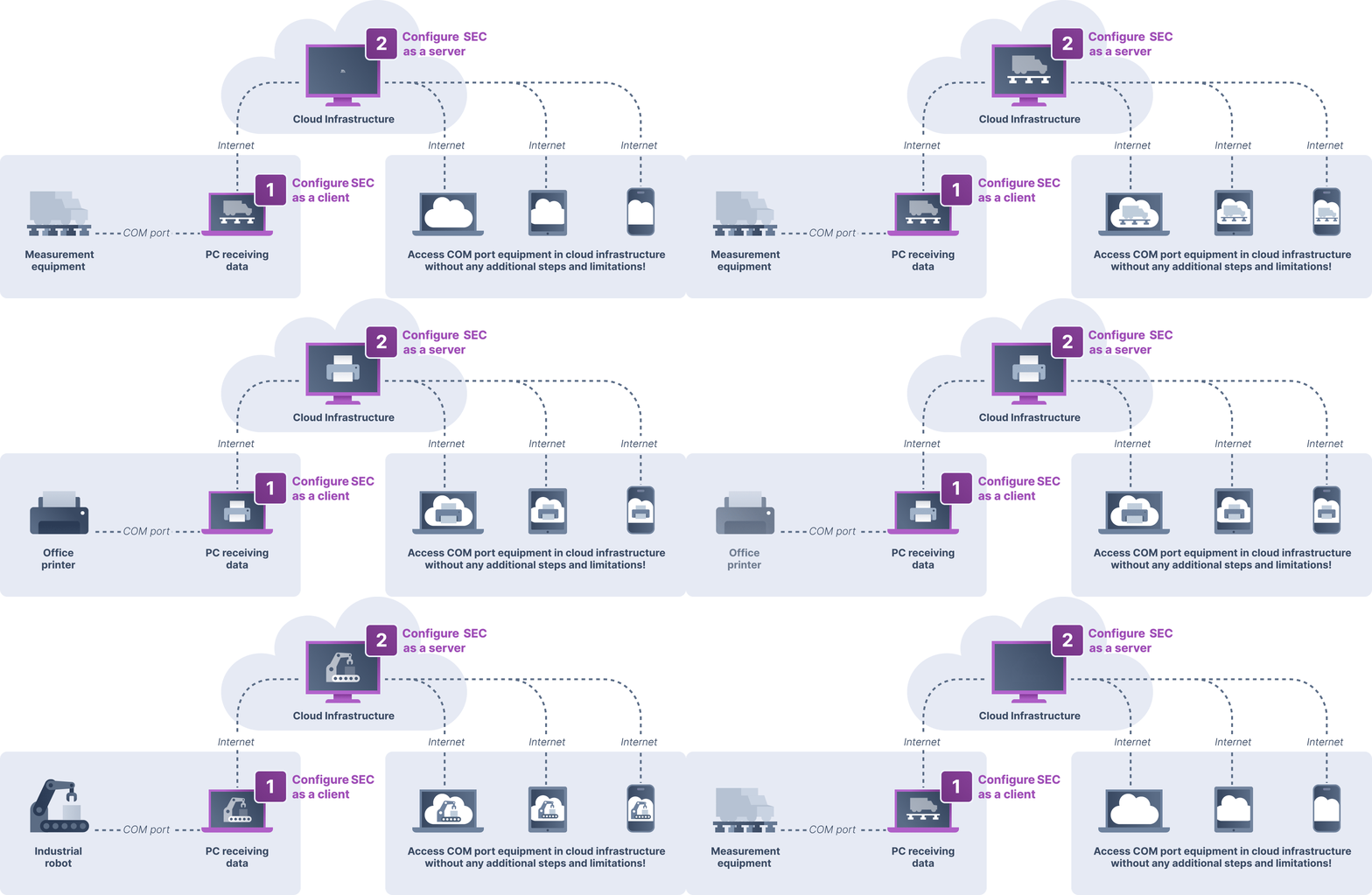
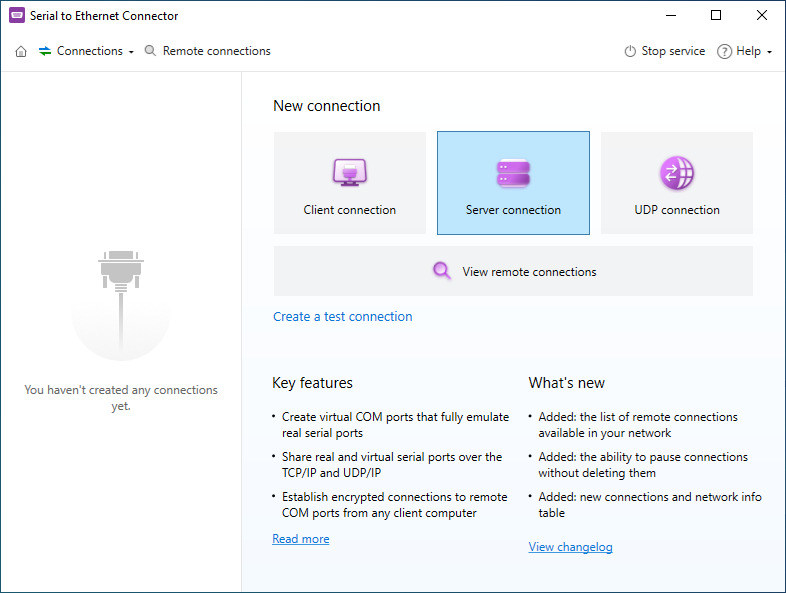
Serial to Ethernet Connector connects two computers directly over TCP, without a vendor relay. The computer sharing the serial device needs to be reachable on the network, whether via LAN, a public IP, port forwarding, or a VPN.
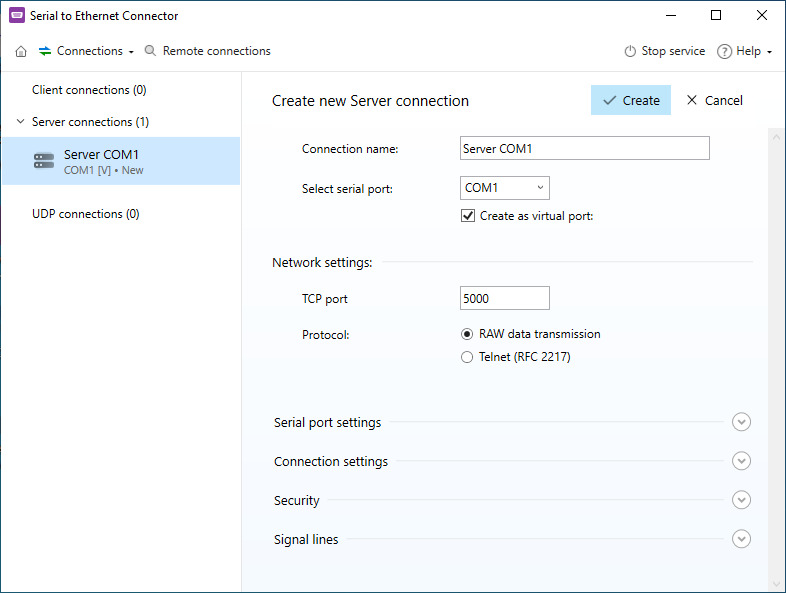
- The Zebra DS2208 scanner was connected via its RS-232 interface through a StarTech ICUSB2321F USB-to-RS232 adapter to a Windows 11 workstation, appearing as a physical COM port. A Server connection was set up on this workstation: in SEC, the Server role belongs to whichever machine holds the physical device, so it's this machine that must be reachable, not the client. Port forwarding was configured on the local router for SEC's TCP port to make that possible.
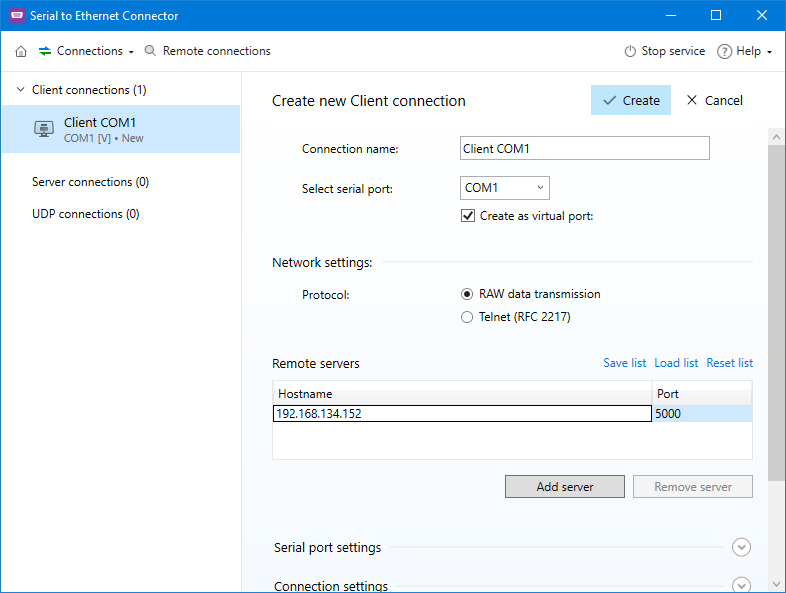
- An AWS EC2 t3.small instance (Windows Server 2022) was set up with a Client connection pointed at the workstation's public IP and forwarded port, creating a virtual COM port linked to the scanner. A cloud-based inventory app on the EC2 instance read barcode data through that virtual port.
- An operator at the workstation scanned test barcodes with the Zebra DS2208. From a separate Windows 11 laptop, a second person checked the inventory app's dashboard on EC2 and confirmed each scan appeared correctly in real time.
Operating systems: Windows 11 Pro 24H2 (host), Windows Server 2022 Standard (AWS EC2), Windows 11 Pro 24H2 (client).
Serial to Ethernet Connector
Serial to Ethernet Connector (SEC) turns any serial device connected to one PC into something you can use from another, as if it were plugged in right next to you. The app doesn't touch the underlying protocol; it just tunnels the existing serial connection over the network, so RS-232, RS-422, and RS-485 hardware all work the same way. You can reach a shared device through a virtual COM port, a plain TCP connection, or RFC 2217 if your software already speaks that. Works fine on a local network, and over the internet too, as long as the server has a public IP or the two machines can otherwise see each other.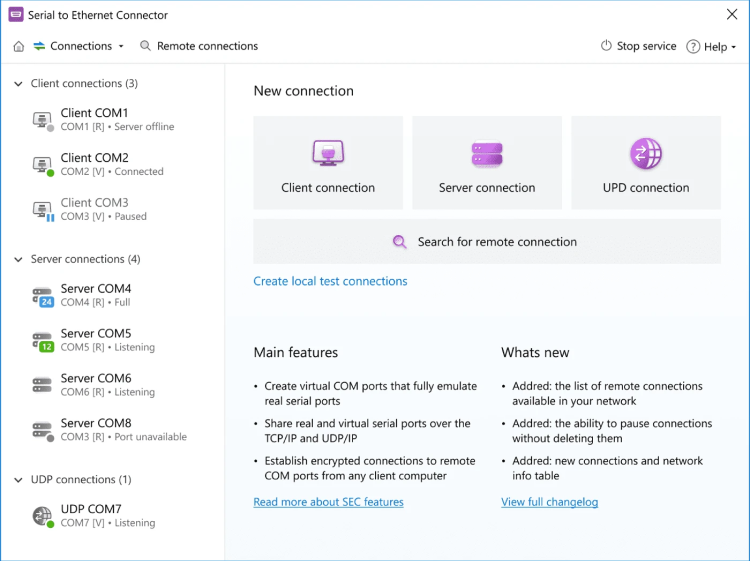
The basic setup is one machine sharing a port, another connecting to it as a virtual COM port. But SEC can do more than that if you need it to: share several devices off one computer, let multiple clients hit the same device, expose a port over raw TCP so the client doesn't even need SEC installed, or broadcast to several listeners at once over UDP.
There's also a set of advanced settings for older or fussier serial gear: packet delay, message length limits, trigger characters, that sort of thing. And since it supports raw TCP, UDP, and RFC 2217, you're not locked into a proprietary driver on the client side.
There's also a set of advanced settings for older or fussier serial gear: packet delay, message length limits, trigger characters, that sort of thing. And since it supports raw TCP, UDP, and RFC 2217, you're not locked into a proprietary driver on the client side.
Pros:
- Share as many real or virtual serial ports as you want, from one machine
- Fine-grained port settings for tricky legacy hardware
- Can spin up virtual ports even with no physical COM port present
- Handles multi-client and multi-server setups
- One license covers both server and client roles
- Open standards (RFC 2217, raw TCP/UDP), no vendor driver required
- Hardware control signals (RTS/CTS, DTR/DSR) are supported
Cons:
- You need a host machine actually running SEC; no talking to bare hardware directly
- Windows and Linux only, nothing else
- Needs a public IP on the server, or both machines on the same LAN
- Setting it up over the internet takes more work than a relay-based tool would
Price: $260, one-time purchase license. 14-day free trial available.
Note: SEC vs. FlexiHub: the real difference. If your server sits behind a router without a public IP, a common situation for home or small-office setups, FlexiHub will connect out of the box, while SEC requires either a public IP address or both machines being on the same local network. If you already control your network infrastructure and need multiple simultaneous connections or virtual port hosting, SEC's direct-connection model gives you more flexibility; if you don't have a public IP or want zero network configuration, FlexiHub's relay model is the simpler path.